

Bitcoin.com

Bitcoini paberrahakott – turvaline krüptovaluuta hoiustamine võrguväliselt

Üle vaadanudGraham Stone
Last modified5. juuni 2026

Bitcoini paberrahakott on üks turvalisemaid viise BTC-de hoidmiseks võrguväliselt. Trükkides oma privaat- ja avalikud võtmed paberile, saad kaitsta oma bitcoine veebiohtude, häkkerite ja pahavara eest.

Õpi, kuidas luua, kasutada ja turvaliselt hoida Bitcoini paberrahakotti, et tagada parim külmhoiulahendus pikaajaliste krüptovara hoidmiseks.

TEAVE

Me võime teenida komisjonitasu meie poolt loetletud ja läbivaadatud rahakottide eest. Turvalisuse märkus: Teie privaatvõtmete eest vastutate ainult teie ise. Bitcoin.com ei saa taastada vahendeid, mis on kadunud seetõttu, et algvõtmed on sattunud võõraste kätte või paroolid on kadunud.
Toimetuspoliitika | Partnerlusavaldus

bytefederal logo
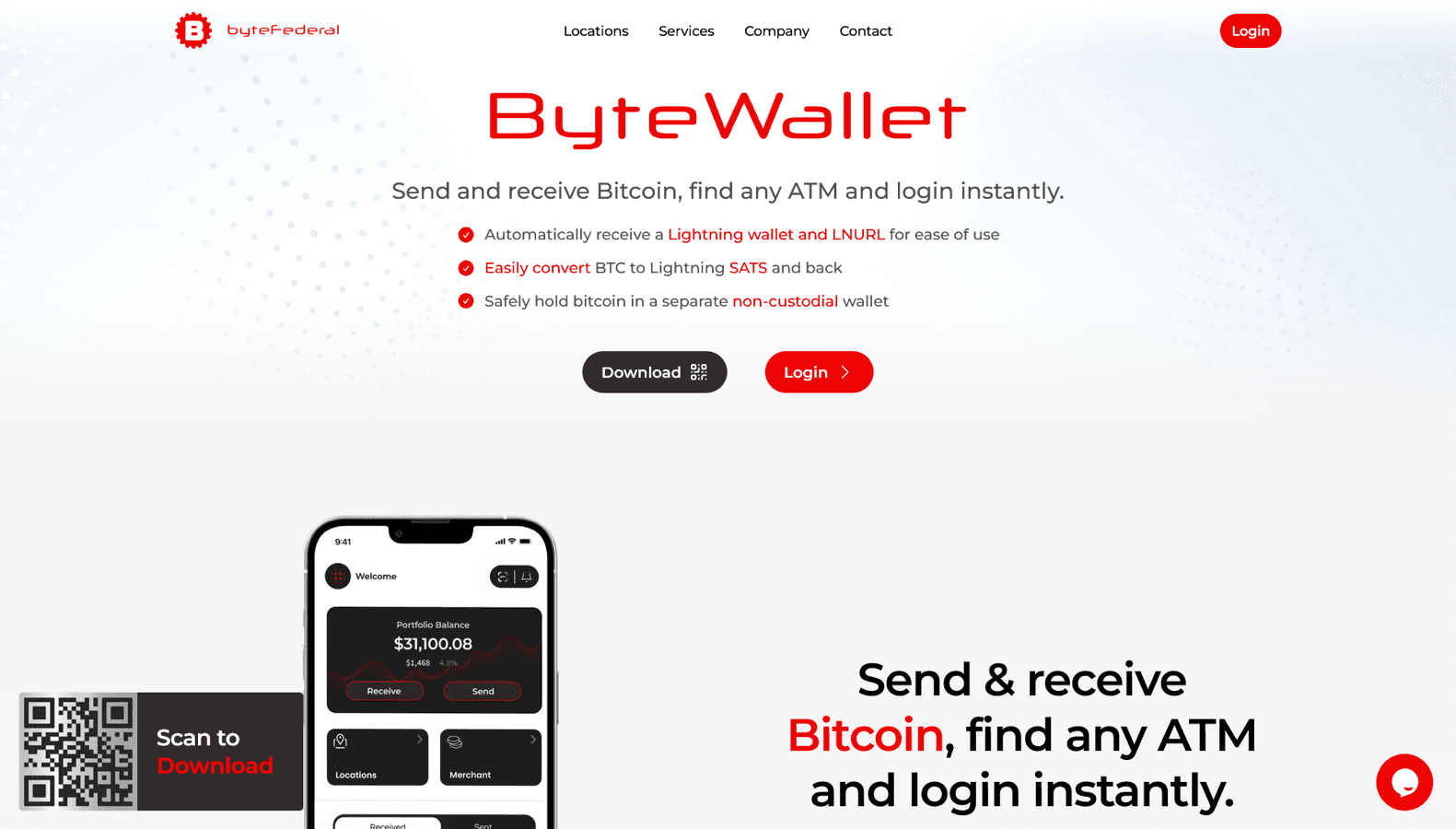
Avasta Byte Federal - turvaline, kasutajasõbralik digitaalne rahakoti lahendus, mida pakub ByteFederal. Mõeldud krüptovaluutade hõlpsaks hoiustamiseks, haldamiseks ja tehingute tegemiseks.
Best Choice
#1
metamask logo
Ethereum rahakott krüptovarade, NFT-de ja DeFi rakendustega suhtlemise haldamiseks.
#2
phantom-wallet logo
A powerful Solana wallet designed for fast and secure transactions, staking, and NFT management.
#3
Logo of Coinbase
Registreeru ja saa kuni 200 dollarit krüptovaluutas (kasuta koodi get50, et saada 50 dollarit BTC-s)
#4

Parimad viisid bitcoini paberkoti turvaliseks hoidmiseks

1. Byte Federal Ülevaade

bytefederal logo
bytefederal screenshot

Byte Federal pakub sujuvat digitaalset rahakogemust krüptovaluutade haldamiseks, mille eesmärk on turvalisus ja lihtsus. Rahakott toetab laia valikut digitaalseid varasid, pakkudes kasutajatele turvalist ja mugavat platvormi oma krüptovaluutade hoiustamiseks ja tehingute tegemiseks. Byte Federal integreerub ByteFederal'i ATM-võrgustikuga, võimaldades kasutajatel lihtsalt osta ja müüa Bitcoini ja teisi krüptovaluutasid otse oma rahakoti kaudu. Platvorm on tuntud oma kasutajasõbraliku liidese poolest, muutes selle juurdepääsetavaks nii uutele kui kogenud krüptokasutajatele. Byte Federal’i keskendumine turvalisusele on ilmne selliste funktsioonide kaudu nagu kahefaktoriline autentimine (2FA) ja krüpteeritud tehingud, mis kaitsevad kasutajate varasid volitamata juurdepääsu eest. Kas soovite hallata oma portfelli, teha tehinguid või lihtsalt oma krüpto turvaliselt hoiustada, Byte Federal pakub tugevat ja usaldusväärset lahendust. ByteFederal'i pühendumus innovatsioonile ja kasutajakogemusele tagab, et Byte Federal on esmaklassiline valik neile, kes otsivad terviklikku digitaalset rahakotiteenust.

Eelised

  • ✅ Secure digital wallet for managing cryptocurrencies.
  • ✅ Supports a wide range of digital assets.
  • ✅ Integration with ByteFederal’s ATM network for buying and selling crypto.
  • ✅ Enhanced security features like two-factor authentication and encrypted transactions.

Platform type

Media

Supported assets

4+

Avasta Byte Federal - turvaline, kasutajasõbralik digitaalne rahakoti lahendus, mida pakub ByteFederal. Mõeldud krüptovaluutade hõlpsaks hoiustamiseks, haldamiseks ja tehingute tegemiseks.

2. MetaMask Rahakoti Ülevaade

metamask logo
metamask screenshot

MetaMask on üks populaarsemaid krüptovaluuta rahakotte, eriti Ethereumile ja ERC-20 tokenitele. Brauserilaienduse ja mobiilirakendusena loodud see pakub sujuvat viisi krüptovarade haldamiseks, detsentraliseeritud rakendustega (dApps) suhtlemiseks ja DeFi ökosüsteemide avastamiseks. Rahakott pakub tugevaid turvafunktsioone, sealhulgas privaatvõtme kontrolli, riistvaralise rahakoti integreerimist ja phishing-kaitset. Toetades mitut võrku, sealhulgas Ethereumi, Binance Smart Chain (BSC) ja Polygoni, võimaldab MetaMask kasutajatel hõlpsalt krüptovaluutat vahetada, saata ja panustada. See on oluline tööriist NFT-kogujatele ja DeFi entusiaste, kes otsivad turvalist, kasutajasõbralikku rahakotti.

Eelised

  • ✅ Non-custodial wallet giving full control of private keys.
  • ✅ Seamless integration with Ethereum-based dApps and DeFi platforms.
  • ✅ Supports multiple networks like Ethereum, BSC, and Polygon.
  • ✅ Built-in token swapping and staking features.

Platform type

Wallet

Supported assets

3+

Ethereum rahakott krüptovarade, NFT-de ja DeFi rakendustega suhtlemise haldamiseks.

3. Phantom Wallet Review

phantom-wallet logo
phantom-wallet screenshot

Phantom is a top-tier Solana wallet known for its speed, security, and ease of use. Designed for Solana’s ecosystem, it enables users to store, swap, stake, and manage SOL and SPL tokens with ease. The wallet is available as a browser extension and mobile app, offering seamless integration with Solana-based dApps, DeFi platforms, and NFT marketplaces. With features like in-wallet staking, built-in swapping, and phishing protection, Phantom ensures a secure and user-friendly experience. Whether you’re an NFT collector, DeFi trader, or Solana enthusiast, Phantom provides a streamlined way to interact with the blockchain.

Eelised

  • ✅ Built for Solana, supporting SOL and SPL tokens.
  • ✅ Secure non-custodial wallet with phishing protection.
  • ✅ Seamless staking and swapping features.
  • ✅ Integrated NFT and dApp support.

Platform type

Wallet

Supported assets

5+

A powerful Solana wallet designed for fast and secure transactions, staking, and NFT management.

What is a Bitcoin Paper Wallet

A Bitcoin paper wallet is a physical printout of a Bitcoin private key and public key, allowing users to store BTC offline. Since it is not connected to the internet, a paper wallet eliminates the risk of hacking and digital theft.

Why Use a Paper Wallet

  • Cold Storage Security – Fully offline, immune to hacking.
  • No Third-Party Risk – No reliance on exchanges or software.
  • Simple & Cost-Effective – No hardware required, just a printed sheet.
  • Long-Term Bitcoin Storage – Ideal for holding BTC securely for years.
  • Private & Anonymous – No KYC, registration, or digital footprint.

A paper wallet provides maximum security for Bitcoin holders who want a true cold storage solution.


How to Create a Bitcoin Paper Wallet

  1. Generate a Paper Wallet – Use a trusted offline Bitcoin paper wallet generator.
  2. Print the Wallet Securely – Use an offline printer to avoid hacking risks.
  3. Store It in a Safe Place – Keep the printed wallet in a secure, waterproof, and fireproof location.
  4. Do Not Share Your Private Key – Only the private key is needed to access funds, so keep it confidential.
  5. Test a Small Transaction First – Send a small amount of BTC to the paper wallet to ensure it works correctly.

A Bitcoin paper wallet should only be generated on a secure, air-gapped device for maximum safety.


Paper Wallet vs. Hardware Wallet

Key Differences

Feature
Paper Wallet
Hardware Wallet
Security
Completely offline
Offline but uses encrypted firmware
Private Key Control
Fully controlled by the user
Stored securely on hardware
Ease of Use
Requires manual entry
Plug-and-play transactions
Risk of Loss
Paper can degrade or be lost
Durable, but still requires backup
Best For
Long-term Bitcoin cold storage
Secure daily transactions
Feature
Security
Paper Wallet
Completely offline
Hardware Wallet
Offline but uses encrypted firmware
Feature
Private Key Control
Paper Wallet
Fully controlled by the user
Hardware Wallet
Stored securely on hardware
Feature
Ease of Use
Paper Wallet
Requires manual entry
Hardware Wallet
Plug-and-play transactions
Feature
Risk of Loss
Paper Wallet
Paper can degrade or be lost
Hardware Wallet
Durable, but still requires backup
Feature
Best For
Paper Wallet
Long-term Bitcoin cold storage
Hardware Wallet
Secure daily transactions

A paper wallet is ideal for deep cold storage, while hardware wallets offer a balance of security and usability.


How to Use a Bitcoin Paper Wallet

Receiving Bitcoin

  • Use the public address printed on the paper wallet to receive BTC.
  • Scan the QR code or enter the Bitcoin address manually when depositing funds.
  • Confirm the transaction on the Bitcoin blockchain.

Spending Bitcoin

  • Import the private key into a software or hardware wallet.
  • Use a secure device when accessing your paper wallet.
  • Transfer all funds at once, as exposing the private key compromises security.

Once a private key is exposed or used online, the paper wallet is no longer secure.


Best Practices for Securing a Paper Wallet

How to Keep a Paper Wallet Safe

  1. Print Only Once on an Offline Printer – Prevents digital exposure.
  2. Use High-Quality Paper & Lamination – Protects from wear and water damage.
  3. Store in a Safe or Vault – Keeps your Bitcoin secure from theft or loss.
  4. Never Take a Photo or Screenshot – Avoids digital exposure.
  5. Create Multiple Copies – Store in different locations in case of loss or damage.

Properly stored paper wallets can last for decades as a secure cold storage option.


How to Recover a Bitcoin Paper Wallet

Steps to Retrieve Your Funds

  • Use a Bitcoin Wallet App – Import the private key into a trusted mobile or desktop wallet.
  • Manually Enter or Scan the Key – Most wallets allow private key entry for recovery.
  • Transfer All Funds Immediately – Once the private key is used, it should not be reused.
  • Destroy the Paper Wallet – If fully spent, discard it securely to prevent unauthorized access.

If a paper wallet is lost or destroyed, and no backup exists, the Bitcoin stored on it is lost forever.


Conclusion – Store Your Bitcoin Securely with a Paper Wallet

A Bitcoin paper wallet is one of the most secure ways to store BTC long-term, offering offline protection from hacks and malware. By keeping your private key on paper, you eliminate third-party risk, ensuring complete financial sovereignty.

Ready to secure your Bitcoin?

Create a trusted Bitcoin paper wallet, store it safely, and experience true cold storage security today! 🛡️🔐💰

an illustration of a speech bubble with 5 gold stars

Vajate veebilehe ülevaatust?

Meil oleks hea meel teie veebilehte läbi vaadata ja siia üles panna. ads@bitcoin.com